Build your site
in a few clicks
Choose a professional template, customize colors, texts, images, and blocks. No technical skills required.
Find the perfect
template for you
Browse our categories and discover templates designed specifically for each profession.
Restaurant & Cafe
Sites for restaurants, cafes, bistros and caterers
Blog
Sites for personal blogs, news and editorial content
Real Estate
Sites for real estate agencies and agents
Health & Medical
Sites for medical practices and clinics
Driving School
Sites for driving schools and driver training
Fitness & Yoga
Sites for gyms and yoga studios
Craftsman & Construction
Sites for craftsmen, plumbers, electricians
Photography
Sites for photographers and videographers

Most used
templates
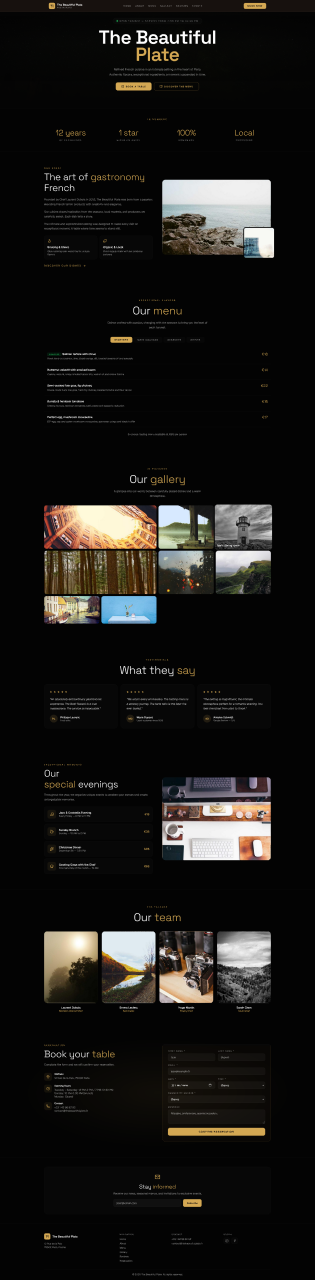
The Beautiful Plate
Free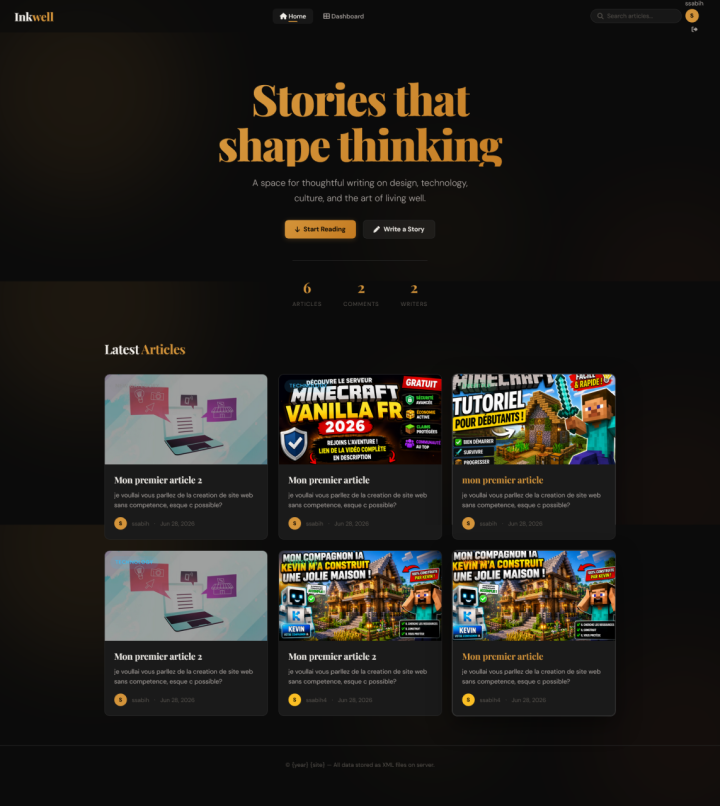
Blog
FreeHow to use
the templates?
Follow these simple steps to build your professional site in minutes.
Choose a category
Select the profession that matches your business: restaurant, beauty salon, real estate...
Select a template
Browse available templates and click on the one you like to open it in the editor.
Customize everything
Modify colors, texts, images. Add, remove, or rearrange content blocks.
Export your site
Download your customized site in one click. Ready to go live on your hosting.
Detailed Editor Guide
Blocks Panel (on the left)
Each section of your page is a named "block" (e.g., "About", "Photo Gallery", "Booking Form"). You can:
Show/Hide — Click the eye icon to hide or show a block without deleting it Reorder — Use the arrows to move a block up or down on the page Delete — Click the trash can to permanently delete a block Add — Click "Add a block" to insert a new block between two others
Color Palette
Choose from several predefined color palettes. Each palette instantly updates the entire template: primary color, backgrounds, texts, and accents. You can also create your own palette (coming soon).
Live Preview (on the right)
The preview updates in real-time. Hover over a block to see its name. Click a block to select and edit its content (texts, images). The preview shows exactly what your visitors will see.
Frequently Asked Questions
Ready to build
your site?
Get started for free now. No sign-up required to try the templates.